// Atlas vs Mercury

Atlas vs Mercury
A CRM built on Dynamics, or a platform built on memory

Mercury is a recruitment CRM built as an application on Microsoft Dynamics 365, the Power Platform and Office 365, listed on Microsoft’s AppSource and best suited, in its own reviewers’ words, to agencies with a dedicated systems function. Its AI is Microsoft Copilot, its reporting is Power BI, and its implementations typically run three to six months. Atlas is one product built on Total Memory, live in weeks, with the AI in the seat price.

  • GDPR compliant
  • In-house Mercury migration
  • AI-native ATS
Group 1707487156

Is Atlas the right move for your agency?

// Choose Atlas if…

You want a product, not a platform to configure

  • Live in weeks, with one licence line and no administrator to hire
  • Conversations should be captured and searchable, not typed into Dynamics
  • You want AI built for recruiters, driveable from Copilot, Claude or ChatGPT via MCP

// Choose Mercury if…

Your IT estate is Microsoft-first

  • The CRM must live inside Dynamics, Teams, Outlook and SharePoint
  • You have a systems administrator and a bespoke process to reproduce exactly
  • You are a large contract-heavy agency with timesheet and compliance needs

Atlas vs Mercury feature comparison

// Features Atlas Mercury
AI-native architecture Available: AI-native, built on Total Memory Partial or add-on: Application on Dynamics 365; AI via Microsoft Copilot
Page-load speed under 1 second Available: 0.1 seconds Partial or add-on: Not independently measured
Unified memory across all interactions Available: Total Memory across calls, emails, notes, CVs and documents Unavailable: Dynamics records; no conversational memory layer
Native semantic search and matching Available: Native semantic search across the full database Partial or add-on: Text search and saved searches; Copilot assists
Built-in AI note-taker Available: Native, included, connected to Total Memory Partial or add-on: Teams and Copilot recaps; not native to the CRM record
Instruction-driven candidate scoring Available: Magic Columns scores profiles against written criteria Unavailable: No equivalent scoring against written criteria
Advanced reporting and analytics Partial or add-on: Live dashboards with AI-supported reporting Partial or add-on: Power BI, connected and built separately
All-in-one plan Available: AI and core tools included in one price Partial or add-on: Mercury licence plus Dynamics 365 licensing plus implementation services
Pricing (per user/month) From £105 Not published — Mercury quote plus Microsoft Dynamics 365 licensing
  • Available
  • Partial / Add-on
  • Unavailable

Last reviewed 10 October 2026 by the Atlas product team.

Learn why recruiters choose Atlas over Mercury

  1. 1 (1)

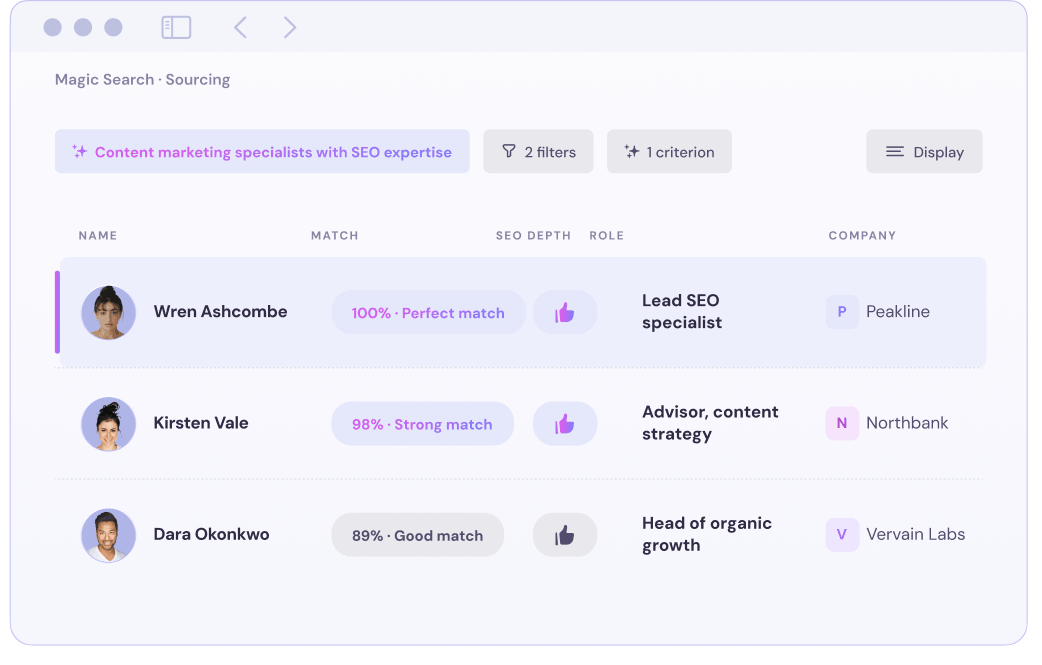
    // Magic Search

    Find the right people in plain English

    Search your entire database using natural language and see exactly why every recommended candidate matches your criteria.

  2. 2 (1)

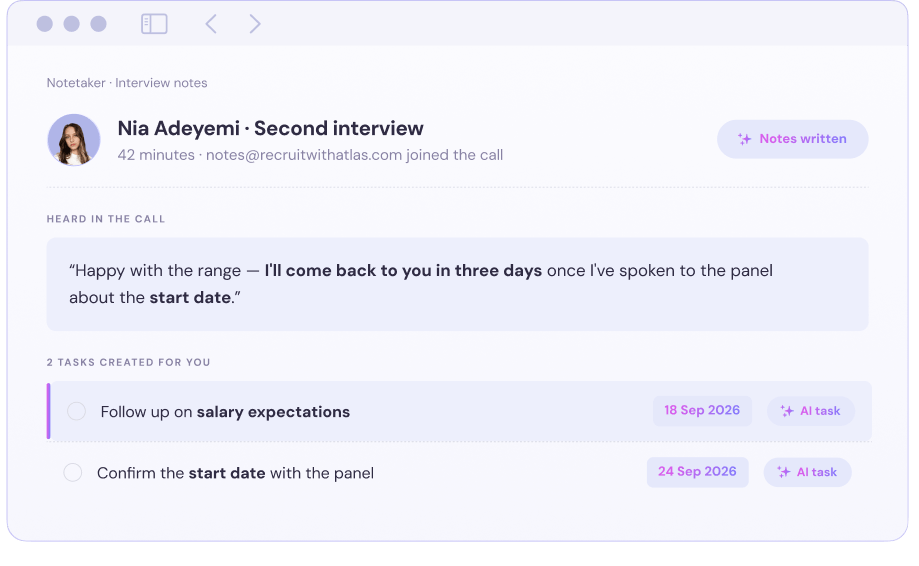
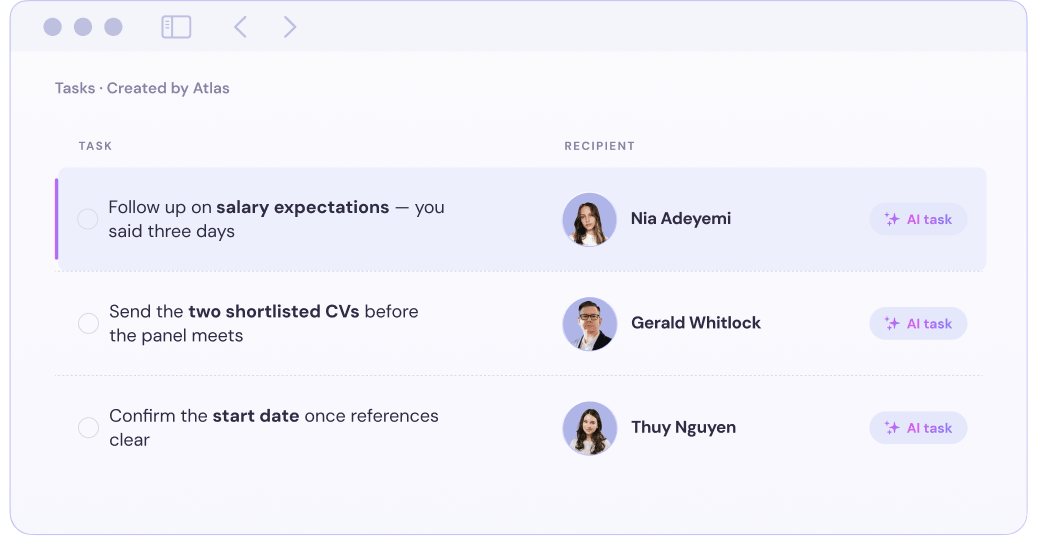
    // AI Notetaker + Tasks

    Turn conversations into next actions

    Capture calls automatically and turn every commitment into a clear, timely follow-up task for your team.

  3. 3 (1)

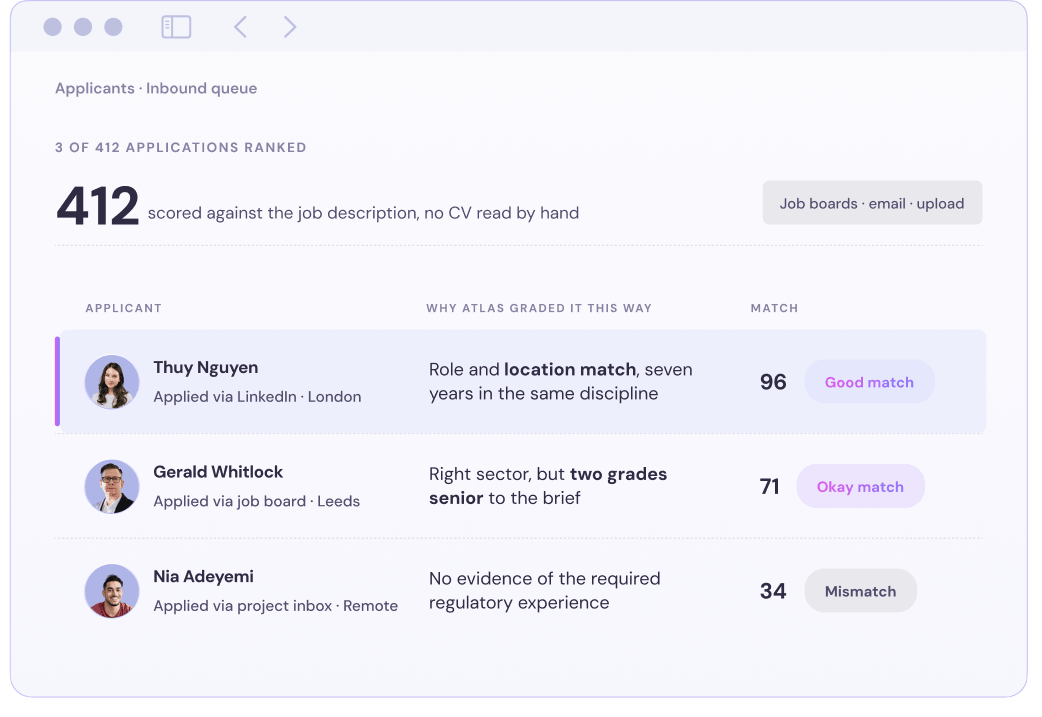
    // Applicants

    Triage applicants without database clutter

    Automatically grade incoming applicants with clear reasoning while keeping unapproved profiles outside your main database.

  4. 4 (1)

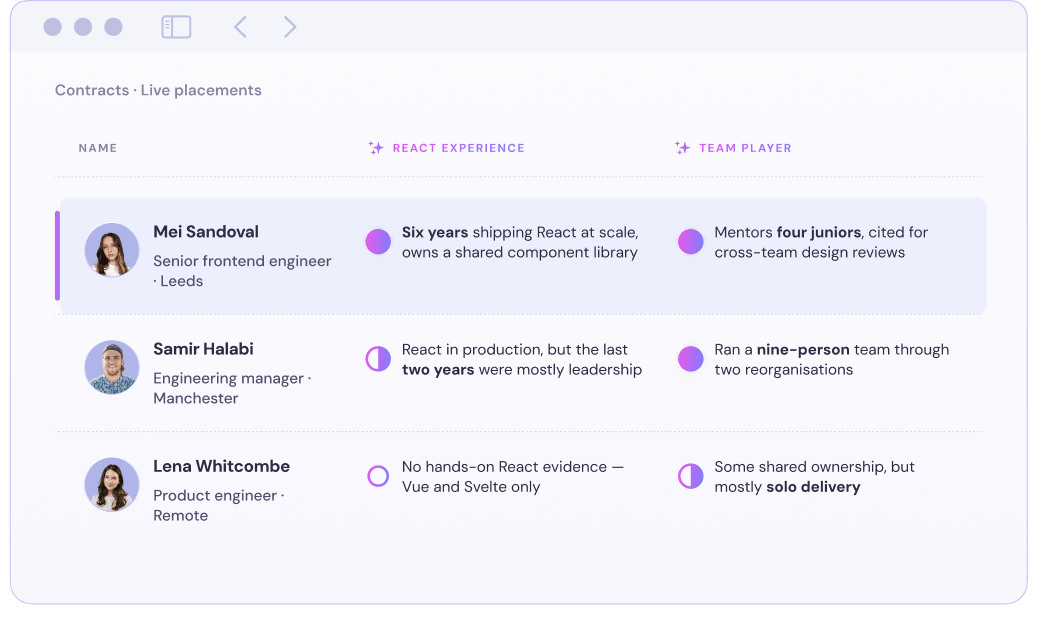
    // Magic Columns

    Score candidates against your criteria

    Evaluate every candidate against your own competencies, instructions and scoring system using flexible AI-powered columns.

  5. 5 (1)

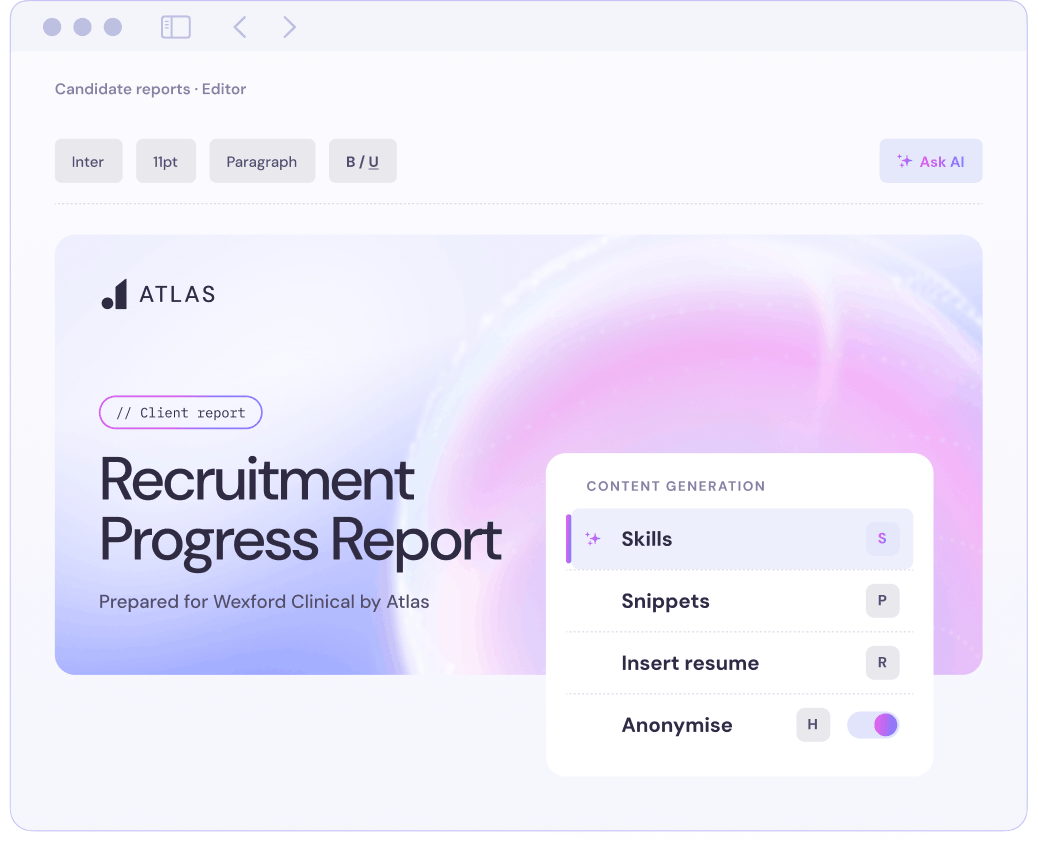
    // Candidate Reports

    Create polished candidate reports

    Turn complete profiles, meeting notes and conversations into polished, client-ready documents.

  6. 6 (1)

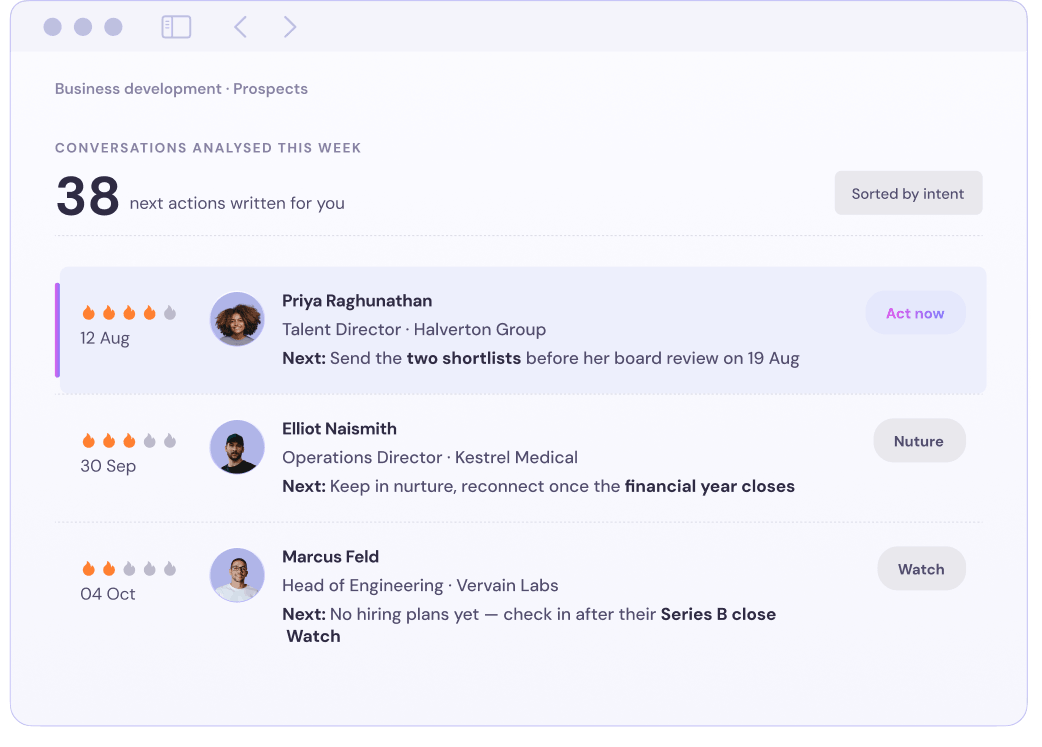
    // Opportunities

    Focus on opportunities most likely to convert

    Track every interaction, assess urgency and prioritise opportunities using an automatically updated likelihood of winning.

  7. 7 (1)

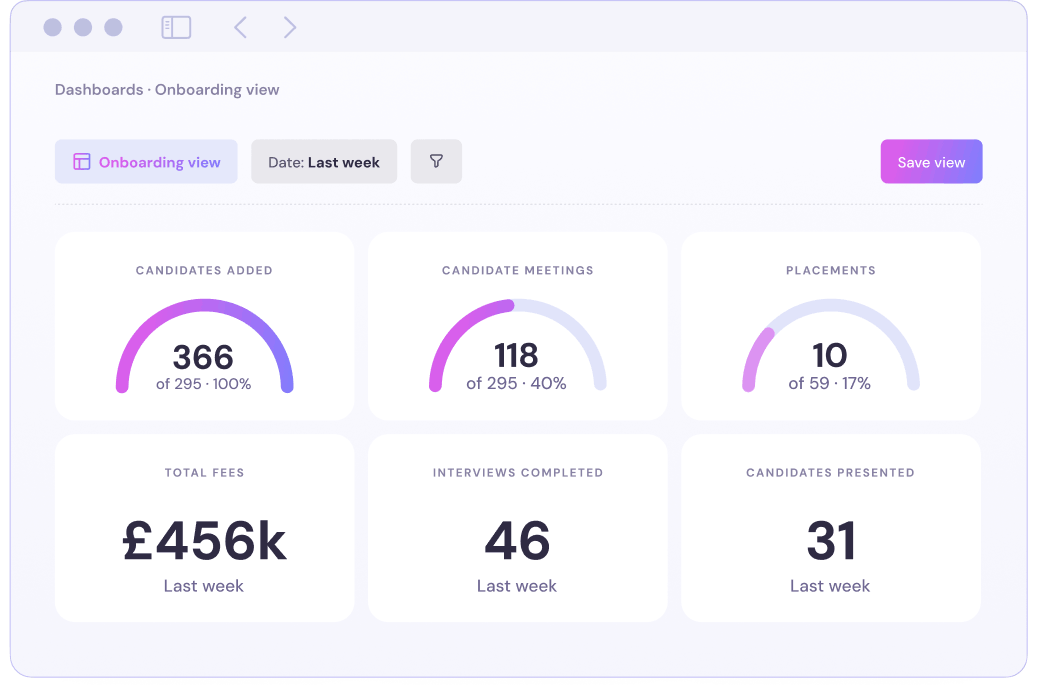
    // Dashboards

    See performance and pipeline in real time

    Track performance, fees, placements and conversion ratios through live dashboards with custom views and filters.

  8. 8 (1)

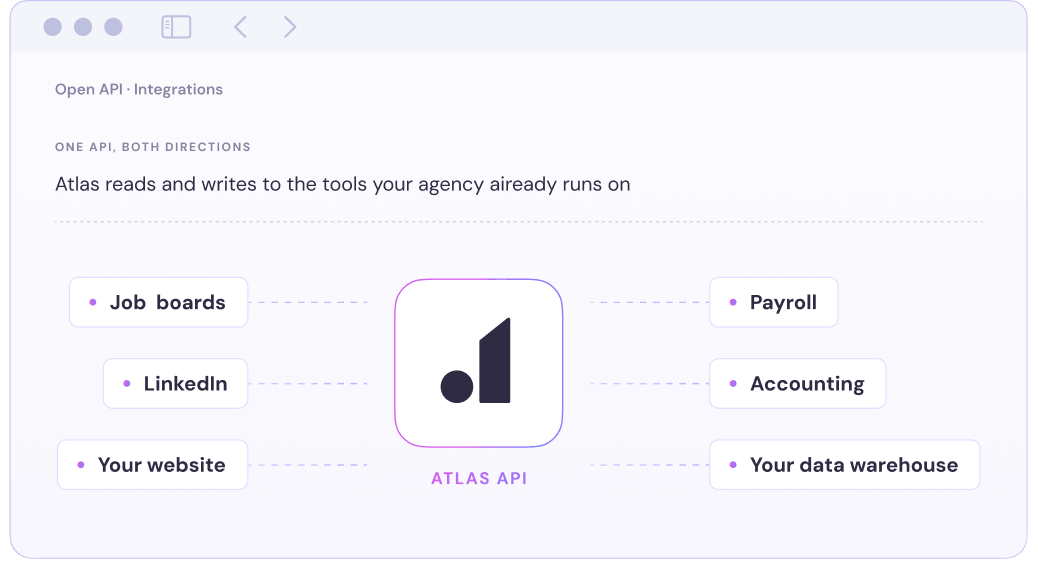
    // Open API + Integrations

    Connect Atlas to the tools you use

    Connect external tools and custom workflows through Atlas’s public API and growing library of native integrations.

  9. 9 (1)

    // Contract Management

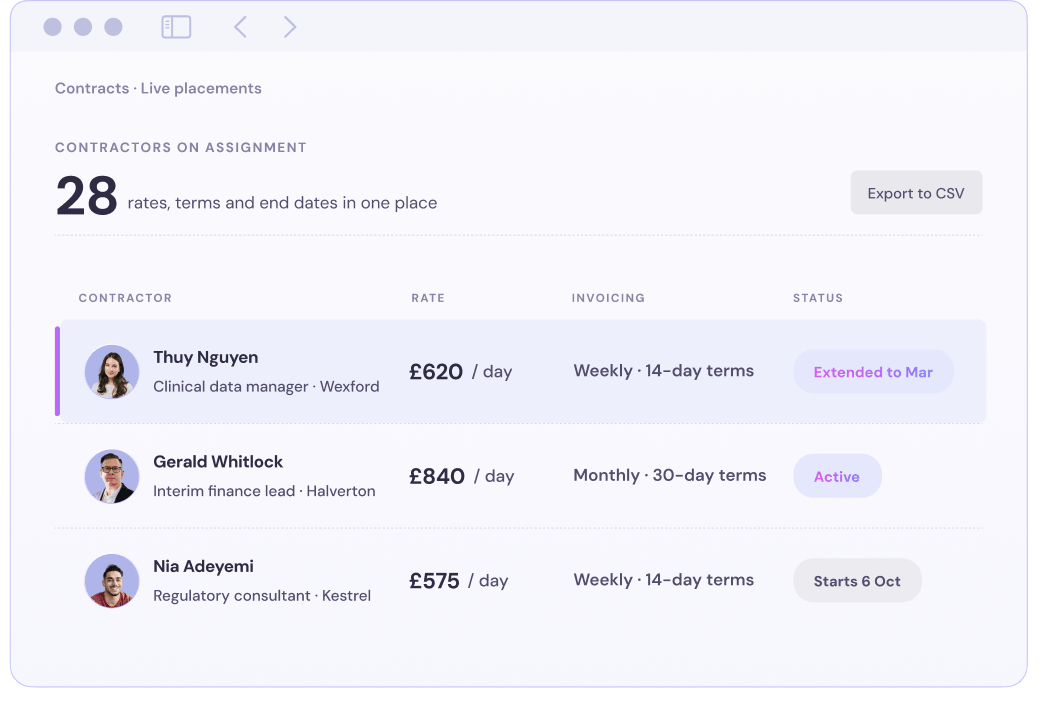
    Manage every placement in one platform

    Handle permanent and contract placements with flexible rates, approvals, expenses and automatic status updates.

  10. 10 (1)

    // Claude Connector

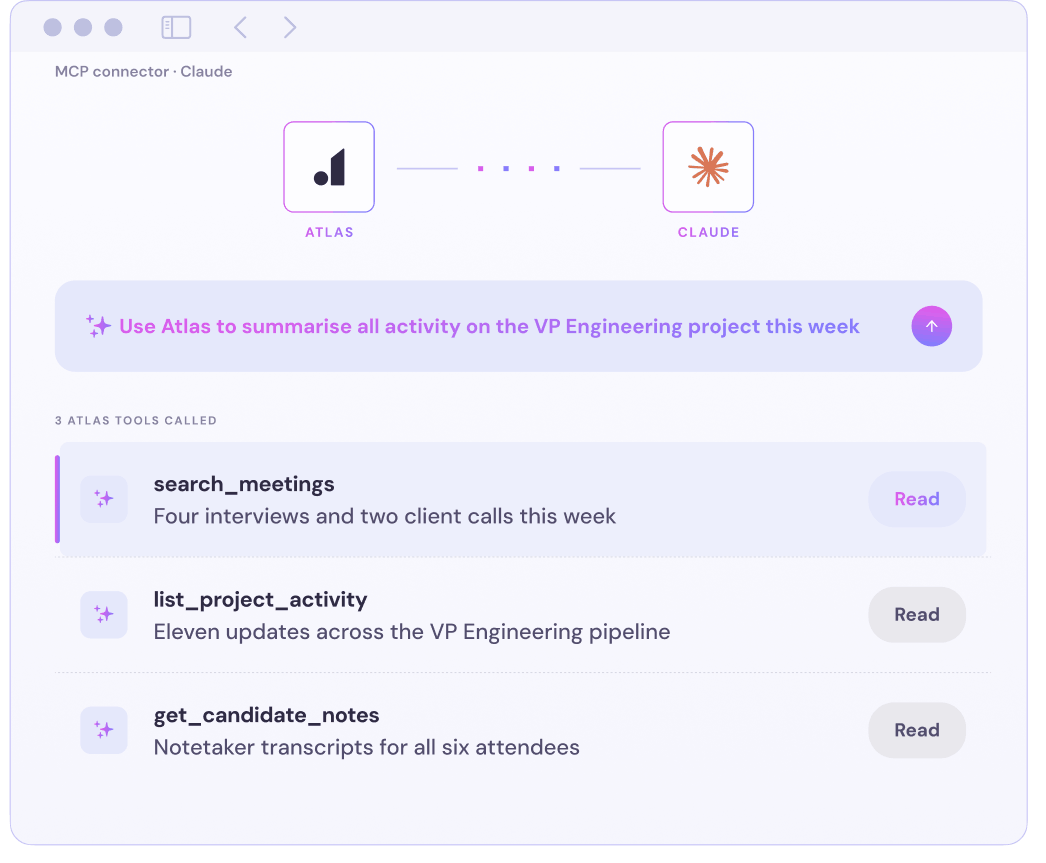
    Ask Claude anything about your Atlas data

    Get answers across candidates, projects, companies, meetings and transcripts without manually searching through records.

How a Mercury migration actually runs

Four stages, run by the Atlas team, with a parallel-run week before Mercury is switched off. You get the dated implementation plan before any data moves.

  1. Map your existing setup

    Every Mercury field, custom field, pipeline stage, saved search and report requirement is mapped to its Atlas equivalent. Nothing moves until you sign off the map.

  2. Move all your data

    You validate the staging workspace first. After sign-off, records are moved to production, indexed for search and reconnected to their files.

  3. Validate before going live

    You validate a full copy in a sandbox against agreed record counts and spot checks. Corrections are made and re-run before production.

  4. Go live on your terms

    Both systems run side by side while your team gets comfortable with Atlas. Mercury is switched off only when everything is validated and you’re ready.

Questions to answer before you switch

  • Atlas is an AI-native ATS and CRM built on Total Memory, live in weeks with one licence line and the AI included. Mercury is the natural choice for a Microsoft-first estate with a systems function; Atlas is the choice for an agency that wants a product rather than a platform to configure.

  • GDPR compliant, DPA included
  • In-house Mercury migration
  • AI-native ATS, built in-house

Compare Atlas with other platforms