
// Software Comparisons, Recruitment Technology
10 Best Recruitment Compliance Software Platforms for Agencies in 2026
Published: 06 August 2026,
21 min to read
Compliance requests are a systems problem before they are a paperwork problem
A subject access request arrives on a Tuesday. It names one candidate. Answering it means searching two shared inboxes and a spreadsheet. It also means a WhatsApp thread belonging to a consultant who left in March.
Every compliance request looks like admin until someone tries to fulfill it. Then it becomes a test of your recruitment compliance software. Does the system store, link and surface candidate data well enough to rebuild the record at all?
The requests that break agency systems are predictable. Deletion requests collide with payroll retention rules. Opt-out statuses nobody trusts. Double opt-in rules that change by country. Interview records a client asks about nine months later, and demographic reporting a client wants before renewal.
In this guide we compare ten platforms agencies use to run compliance work. The lineup spans AI-powered CRMs, credentialing tools and background screening. Pricing is quoted where vendors publish it, and flagged as quote-only where they do not.
Top recruitment compliance software for agencies in 2026
- Atlas
- Bullhorn
- Access Vincere Evo
- JobAdder
- itris
- Avionte
- Credentially
- Checkr
- Manatal
- Zoho Recruit
1. Atlas
Answering a compliance request starts with finding every trace of a candidate. That is where most agency systems fail. Atlas is an AI-powered CRM and recruitment platform for enterprise agencies, built on agentic AI that strips out admin. Its compliance value comes from what it captures unprompted. Calls, emails, WhatsApp messages, interviews and notes sync into one record. A single profile then holds the history a subject access request demands.
Applicant handling is separated by design. Atlas grades every applicant against criteria generated from the job description. Applicants stay out of your main database until someone approves them. Every accept or reject is logged with the name of the person who did it, and a timestamp. Each criterion carries the evidence used to score it, pulled from the resume. That is the documentation you want when a screening decision is questioned.
What are the key features of Atlas?
- Calls, emails and WhatsApp messages synced to the candidate record automatically
- AI note taker that transcribes interviews and intake meetings into the same system
- Applicants held separate from your database until they are approved or rejected
- Applicant grading against required, preferred and nice-to-have criteria built from the job description
- Evidence surfaced for every criterion, so a score can be traced back to the resume
- Accept and reject actions logged with the person who took them and a timestamp
- Rejection emails sent from stored templates inside the platform
- Natural language search across the full history of a contact, not only typed notes
- Custom dashboards built by describing the report you want to see
- Enterprise data migration run by an in-house team
- Integrations across email, phone, messaging, calendar and video tools
- MCP connector for querying your own recruitment data through Claude
G2 Rating: 4.9 out of 5
Best for: Enterprise and mid-to-large agencies that need one searchable record of every candidate interaction
Not a great fit for: Agencies that need statutory payroll filing or E-Verify processing inside the same system, and in-house talent teams
Pricing: Not published. Book a demo for a quote based on team size and requirements
2. Bullhorn
Few platforms carry as much agency compliance work as Bullhorn. It runs front, middle and back office in one system for staffing firms. Onboarding, time and expense, billing and payroll sit alongside the ATS and CRM. Document collection therefore lives next to the candidate record it belongs to.
For US agencies the marketplace matters as much as the core product. Bullhorn’s integration list includes Form I-9 and E-Verify. Background screening providers and payroll partners sit there too. Confirm which modules your contract includes, because onboarding and middle office are separate products.
What are the key features of Bullhorn?
- ATS and CRM with configurable candidate, placement and job order records
- Onboarding module for document collection and e-signature
- Middle office covering time, expense and invoicing
- Payroll and billing available inside the same platform
- Marketplace integrations including Form I-9 and E-Verify
- Background screening partners available through the same marketplace
- Automation for record updates and pipeline actions
- Activity history on records for audit purposes
- Reporting across placements, activity and revenue
G2 Rating: 4.2 out of 5
Best for: Large staffing firms running temp and contract desks that want front and back office under one contract
Not a great fit for: Teams expecting compliance modules to be included in a single base license
Pricing: Not published. Bullhorn quotes per agency, so ask for the module list and renewal terms in writing
3. Access Vincere Evo
Consent tracking is the part of data protection work most systems handle badly. Access Vincere Evo has put real effort there. Now part of Access Recruitment, it records consent with the legal basis for processing attached. Activity logs are auditable and timestamped, and a compliance dashboard reports consent levels over time.
That dashboard answers the questions auditors ask first. Agencies can see which candidates gave consent by month. They can filter by consultant and location. They can also drill into deleted records to see what went, who removed it and when. Candidate portals let people update their own data and exercise their rights.
What are the key features of Access Vincere Evo?
- Automated consent tracking with legal basis of processing recorded
- Compliance dashboard tracking consent levels over time
- Filters by consultant and location for compliance reporting
- Deleted record reporting showing what was deleted, by whom and when
- Candidate portals and engagement hubs for data updates and rights requests
- Auditable activity logs with timestamps
- Timesheets, expense tracking, invoicing and leave in the TimeTemp module
- AWS hosting across multiple regions with ISO certification
- Automation across more than 1,000 repetitive recruitment tasks
G2 Rating: 4.5 out of 5
Best for: Agencies that want consent reporting and temp back office in the same platform
Not a great fit for: Teams needing heavy report customization or frequent bulk data exports
Pricing: Core CRM and ATS from £69 per user per month, with AI Smart Packs from £25 per agency per month
4. JobAdder
Recruiters tend to rate JobAdder on how little it gets in the way. Its compliance posture follows the same logic. The ATS and CRM core stays light, and certified partners handle onboarding, screening and reference checks. Job distribution reaches more than 200 boards, with more than 200 integrations behind it.
Two commercial details deserve attention before signing. Single sign-on, API and sandbox access, smart forms and the hiring manager portal are paid add-ons. The Adder Intelligence AI tools start at the Essential plan rather than Lite. Agency plans are banded by user count, and Lite caps out at five users.
What are the key features of JobAdder?
- ATS and CRM with custom workflows that expand by plan tier
- Temp and contract management with timesheets from the entry tier
- Job distribution to more than 200 job boards
- More than 200 integrations covering onboarding, screening and reference checks
- Smart forms add-on for structured candidate data capture
- Hiring manager portal add-on for client-side collaboration
- Database hygiene automations on the Pro tier
- Single sign-on available as a paid add-on
- Published GDPR terms and public security documentation
Best for: Agencies that prefer a light core system with specialist compliance partners attached
Not a great fit for: Boutique teams of five or fewer that expect AI tools and single sign-on included
Pricing: Not published. Every plan routes to a quote through a three-step demo process, with six paid add-ons priced separately
5. itris
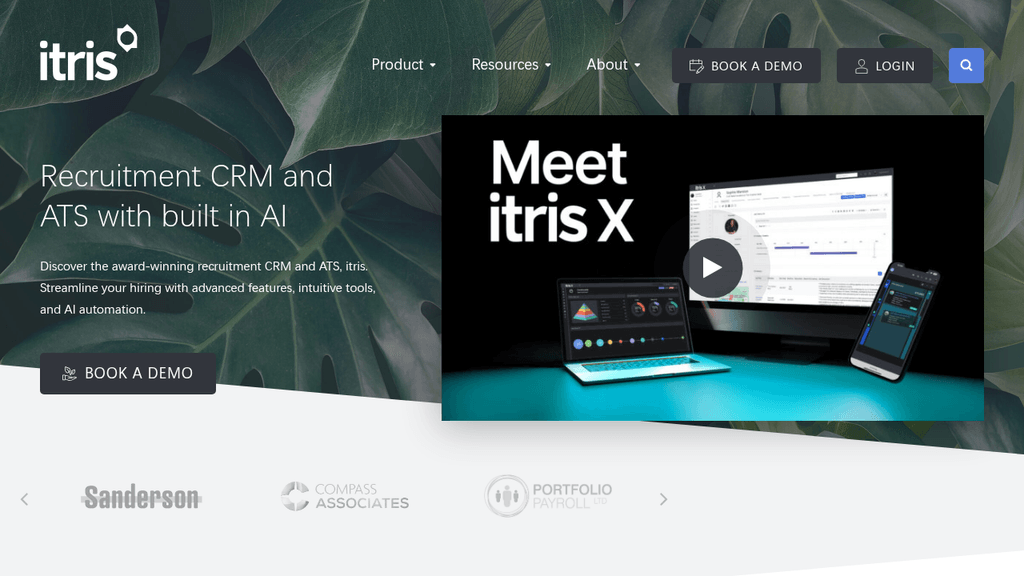
Document-heavy temp desks in the UK put itris on most shortlists. It has been built around compliance paperwork since 1998. The CRM tracks proof of identity, visa status, qualifications and certifications per applicant. Right to work and reference status show on the record itself.
Its consent model is unusually granular. Marketing preferences are set per applicant, company and contact record. Expiry dates can be applied to individual opt-in and opt-out choices. A candidate taking a six-month contract elsewhere can be muted rather than deleted. Those preferences are searchable, and permissions restrict who may change them.
What are the key features of itris?
- Compliance document tracking for identity, visa status, qualifications and certifications
- Right to work and reference status visible on the applicant record
- Consent and marketing preferences held per applicant, company and contact
- Expiry dates on individual opt-in and opt-out choices
- Searchable consent options with permission-controlled editing
- Temp and contract workflows including shift management and timesheets
- UK Azure hosting in ISO 27001 certified data centers
- Two-factor authentication and single sign-on through Microsoft 365
- Access restricted by user, location, IP address and role
Best for: UK agencies with heavy right to work and credential documentation on temp desks
Not a great fit for: Agencies wanting a published rate card or a US-first compliance feature set
Pricing: Not published as a rate card. itris sells monthly per seat and quotes per agency
6. Avionte
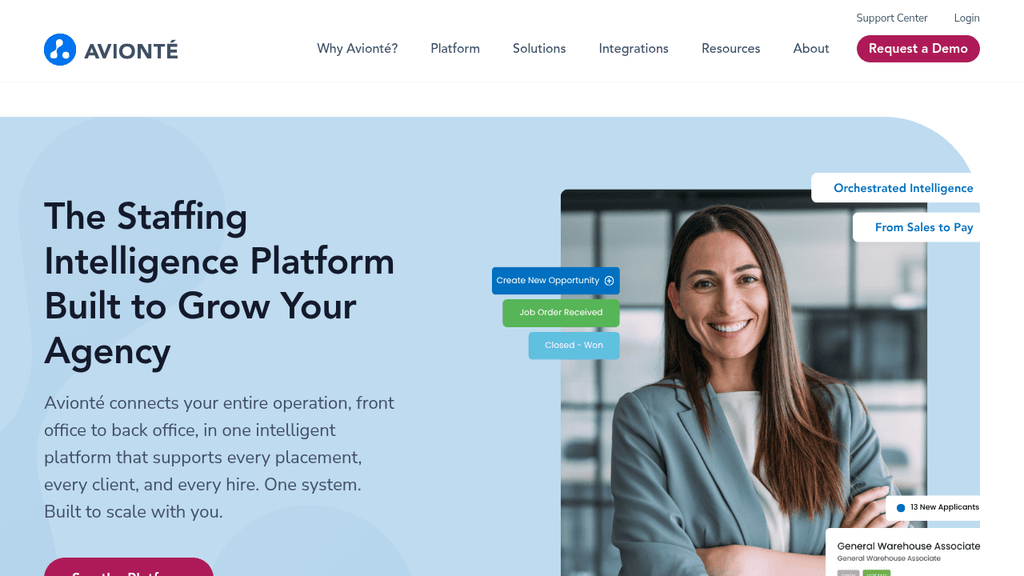
High-volume US staffing runs on onboarding paperwork, and Avionte builds its compliance tooling around that. The platform includes ACA tracking, WOTC, E-Verify and multi-jurisdiction tax reporting. Onboarding, payroll and billing share the system with the ATS and CRM.
Its Onboarding Compliance Report is the piece compliance managers live in. It lists every worker with I-9 validation dates, work authorization expiry and E-Verify status. Filters run by branch, so gaps surface before a placement rather than during an audit.
What are the key features of Avionte?
- Onboarding Compliance Report covering I-9 validation, work authorization expiry and E-Verify status
- ACA tracking and WOTC support
- Multi-jurisdiction tax reporting
- Electronic onboarding packets with e-signature
- Time capture, payroll and invoicing in the same platform
- Branch-level visibility into onboarding completion rates
- Worker mobile app for onboarding, schedules and pay
- Certified integration program for screening and verification partners
Best for: US light industrial and high-volume temp agencies running payroll in-house
Not a great fit for: Perm-only and executive search firms, and agencies outside the US tax system
Pricing: Not published. Avionte quotes per agency based on configuration and volume
7. Credentially
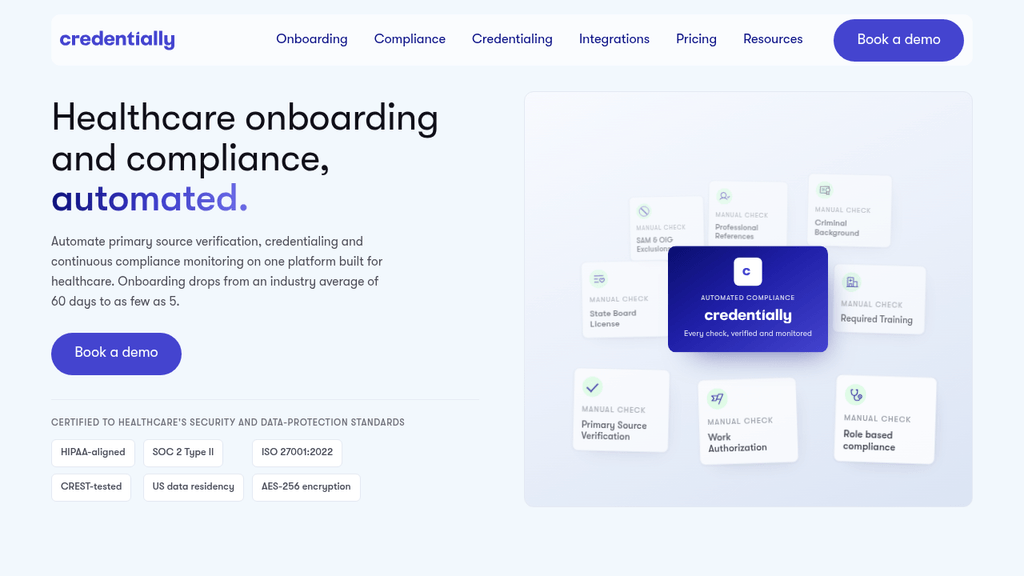
Healthcare desks carry a compliance load nothing else in recruitment matches. Credentially exists for that load. It automates onboarding and credentialing with right to work checks, digital ID checks and DBS checks. Verification runs against the NMC, GMC and HCPC registers, plus OIG, SAM and Nursys for US placements.
Every action taken in the system is logged, which matters when an auditor arrives. Real-time alerts flag documents before they expire. Policy management and digital signatures sit in the same flow. The platform is presented as both GDPR and HIPAA compliant, and is used across more than 113,000 clinicians globally. It connects to existing systems through a public API rather than replacing them.
What are the key features of Credentially?
- Right to work and digital identity checks
- DBS checks plus NMC, GMC and HCPC register verification
- OIG, SAM, Nursys and cross-state licensure checks
- Real-time compliance alerts on expiring documents
- Policy management, digital signatures and document watermarking
- OCR scanning of uploaded credential documents
- Audit logs covering every action taken in the platform
- Public API plus integrations including Checkr
Best for: Healthcare and clinical staffing agencies with recurring credential expiry
Not a great fit for: Agencies outside regulated clinical hiring, and teams wanting a CRM replacement
Pricing: Not published. The pricing page compares plans by feature, so contact the vendor for pricing details
8. Checkr
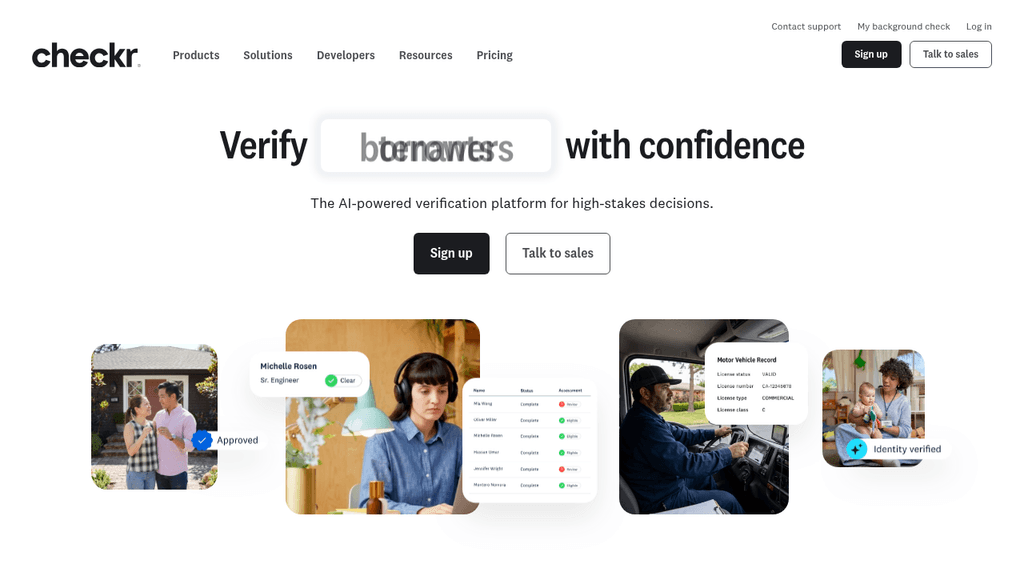
Background screening is where compliance becomes a legal sequence. Checkr runs that sequence as software. Report packages are published at $29.99 for Basic, $59.99 for Essential and $94.99 for Complete. Adverse action workflows sit alongside the searches themselves.
Line-item pricing makes the compliance cost of a desk calculable in advance. Form I-9 verification is $7 per form. Continuous criminal monitoring is $1.70 per individual per month. Postal adverse action letters cost $7 each where physical copies are required. More than 200 pre-built integrations push results back into the ATS.
What are the key features of Checkr?
- Basic, Essential and Complete report packages with published per-report pricing
- Identity verification plus county, state and federal criminal searches
- Form I-9 verification at $7 per form
- Continuous criminal monitoring at $1.70 per individual per month
- Adverse action workflows including postal letters where required
- Assess rules that reduce manual review of returned records
- Employment, education and professional license verifications
- International checks across more than 200 countries and territories
- More than 200 pre-built ATS and HR integrations
Best for: US agencies that want screening priced per report with results flowing into the ATS
Not a great fit for: Agencies looking for consent, retention or subject access handling, which belong in the CRM
Pricing: Basic $29.99, Essential $59.99 and Complete $94.99 per report, with court and database fees passed through at cost
9. Manatal
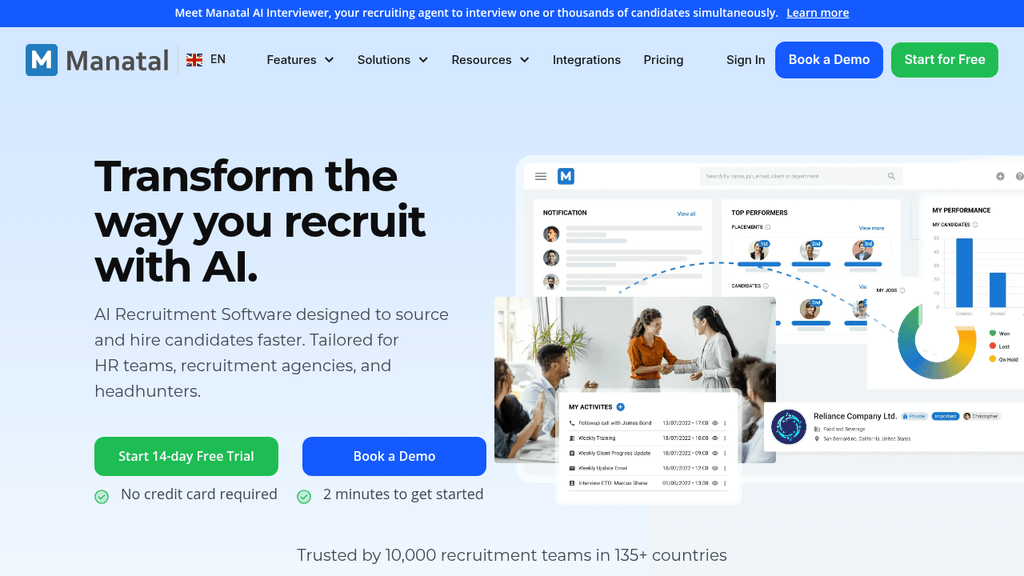
Mid-sized agency teams often want consent tooling without an enterprise contract. Manatal is priced for exactly that. Consent status can be edited and tracked from each candidate profile. It can be checked across the whole candidate pool, and collected automatically on career page applications.
Deletion is handled in the same place. Candidate data can be modified, extracted and permanently deleted on request. Compliance reports ship out of the box. Larger teams should note two limits. Single sign-on, user groups and open API access sit only on Enterprise Plus, and workflow automation starts at Enterprise.
What are the key features of Manatal?
- Consent status tracking and editing from the candidate profile
- Consent status checks across the entire candidate pool
- Automated consent gathering on career page applications
- Permanent deletion, extraction and modification of candidate data on request
- Out-of-the-box compliance reports and analytics
- GDPR, CCPA and PDPA support with SOC 2 Type II certification
- Admin-enforced automatic log-out policies
- Custom permissions and user groups on the top tier
- Two-factor authentication on every plan
Best for: Mid-sized agencies that want published pricing and straightforward consent management
Not a great fit for: Enterprise teams needing single sign-on or automation below the top tier
Pricing: $15, $35 and $55 per user per month billed annually across Professional, Enterprise and Enterprise Plus, or $19, $39 and $59 billed monthly
10. Zoho Recruit
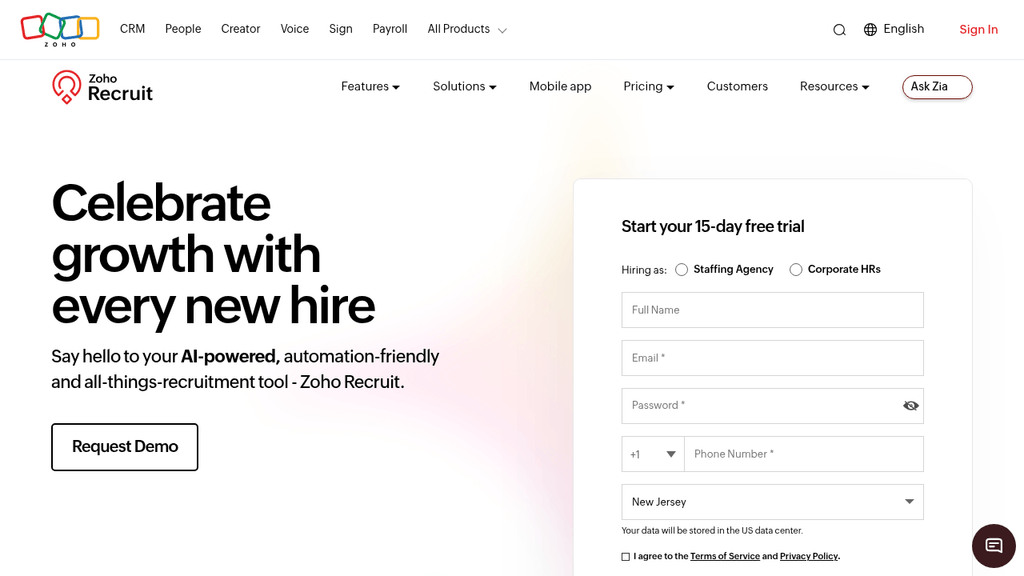
Price is the entry point with Zoho Recruit. It sells per recruiter license across several tiers, and a free plan covers one active job. Zoho advertises no forced contracts and a 45-day money-back guarantee.
Governance features cluster at the top of the range. Field-level security, blueprint workflows, territory management and staffing portals appear on Enterprise. The client portal, vendor portal and video interviewing are priced as add-ons. Map which controls sit in your tier before assuming the base plan covers an audit.
What are the key features of Zoho Recruit?
- Per-recruiter tiers with a free plan for a single active job
- Field-level security on the Enterprise tier
- Blueprint workflows and layout rules for process enforcement
- Territory management and department hierarchy for access control
- Candidate and staffing portals on Enterprise
- Vendor portal add-on for managing external recruiters
- Custom reports and dashboards alongside a standard report library
- 15-day free trial and a 45-day money-back guarantee
G2 Rating: 4.4 out of 5
Best for: Smaller agency teams that want a low entry price and configurable workflows
Not a great fit for: Agencies expecting the client portal and mass email in the base plan
Pricing: Published per-recruiter pricing across tiers plus a free plan, with client portal, vendor portal and video interview add-ons priced separately
What is recruitment compliance?
Recruitment compliance is the set of legal duties an agency accepts when it handles candidate and worker data. For agencies it covers data protection, marketing consent, right to work checks, sector credentials and record retention.
Each duty comes with its own clock, and the clocks disagree. Under UK data protection rules, an organization must respond to a subject access request within one month of receipt. Complex requests can be extended by up to two months. HMRC, meanwhile, expects employers to keep payroll records for three years from the end of the tax year. Incomplete records carry a penalty of up to £3,000.
US rules pull the same way. EEOC regulations require employers to keep all personnel or employment records for one year. Payroll records run to three years under the ADEA. So an agency cannot simply purge a record on request. Nor can it keep everything forever and still claim storage limitation. Both are non compliance, which is why retention has to be configurable.
What is recruitment compliance software?
Recruitment compliance software is the tooling behind consent, documents, retention and the audit trail. It records consent, tracks expiry dates, applies retention rules and evidences each hiring decision. In agencies it rarely arrives as one product.
The functions usually split across a recruitment CRM, an onboarding tool and a screening provider. That split is where compliance failures start. Atlas research found 56.16% of agency recruiters describe their technology setup as functional but fragmented. A request that crosses three systems crosses three sets of permissions and three exports.
Automation now does more of that work. In the same research, 80.82% of agency recruiters said they use AI for admin and data entry. That is the category most compliance evidence falls into. Capture notes, calls and status changes as they happen, and demonstrating compliance stops relying on memory.
What to look for in recruitment compliance software
Consent tracking and opt-out status. Treating consent as a single checkbox is how agencies end up marketing to people who opted out. Look for consent recorded with its legal basis. Keep marketing preferences separate from candidate status. Expiry dates on individual opt-in choices stop a temporary opt-out becoming a permanent deletion. Double opt-in rules differ by country, so per-record settings beat one global rule.
Subject access request handling. A subject access request is a search problem before it is a legal one. The system has to return every piece of personal data it holds on a person. That includes call notes, emails, messages and interview records, in an exportable format. Where communications sit outside the CRM, someone rebuilds them by hand against a one-month deadline.
Retention rules that respect statutory minimums. Deletion and retention pull against each other, so the software has to hold both. Configurable retention by record type is the mechanism. It lets an agency clear marketing data while preserving payroll and placement records. Ask how the platform separates candidate marketing data from worker employment records. A single delete action across both creates a different compliance failure.
Audit trails and clear documentation. Clear audit trails turn a defensible process into evidence. Every status change, consent update, document upload and screening decision should carry a user and a timestamp. Deletions should stay visible as events after the data has gone. Applicant screening in Atlas logs who accepted or rejected each candidate and when, giving a per-role decision history.
Right to work checks, credentials and expiry dates. Compliance tracking on documents is where temp and contract desks are exposed. Certifications, visas, DBS checks and professional registrations expire on fixed dates. A system that stores them without monitoring them offers no protection. Sector desks such as healthcare recruitment need alerts before expiry rather than a report afterwards.
Compliance reporting and demographic data. Public sector and enterprise clients increasingly ask for diversity and process reporting before a PSL renewal. The underlying data has to be captured consistently at application stage. It also has to be reportable without a manual rebuild. That is easier when custom dashboards can be built around whatever a client asks for.
Secure data handling and access control. Role-based permissions, single sign-on, two-factor authentication and field-level restrictions decide who sees sensitive candidate data. They also decide who can change a consent flag. Check whether these sit in the base license or behind an add-on. Several vendors in this comparison price single sign-on separately.
Which integrations matter for compliance workflows?
Compliance evidence is created in the tools recruiters already use. Integration depth decides how much of it reaches the record. The connections that matter for agencies are narrow and specific.
Two-way email and calendar sync is the highest-value one. It captures the correspondence a subject access request will ask for. Beyond that, the integration list worth interrogating covers:
Timesheet and payroll integration deserves separate attention on contract and temp desks. Expense tracking, rate agreements and worker records all carry statutory retention periods. Getting that flow right protects margin too, since billing accuracy draws on the same data.
- Background screening and identity verification providers, so results land on the candidate record rather than in an inbox
- E-signature and document storage, with the signed version retrievable years later
- Payroll, timesheet and expense systems for worker records subject to tax retention rules
- Phone and messaging tools, including WhatsApp, where a growing share of candidate conversation happens
- Job boards and application forms, which is where consent is first captured
Choosing recruitment compliance software for your agency
Start from the requests your team actually receives, not a feature matrix. An executive search firm fielding occasional deletion requests has one set of needs. A healthcare desk tracking 400 expiring registrations has another. Both need to know where their data will sit.
Data quality decides how much of this works in practice. Records that have decayed quietly for years produce incomplete answers, whatever the tooling. That is one reason data decay costs agencies their easiest placements and their cleanest audits. Migration planning matters for the same reason, so ask how the vendor runs enterprise data migration.
Take these questions into every vendor demo:
- How is consent recorded, and is the legal basis for processing stored with it?
- Can opt-out status carry an expiry date, and who is allowed to change it?
- What does a full subject access request export contain, and how long does it take?
- Can retention periods be set differently for marketing data and employment records?
- Which actions are written to an audit trail, and are deletions logged as events?
- How are document expiry dates monitored, and who receives the alerts?
- Is single sign-on included in the base license or priced as an add-on?
- Where is our data hosted, and which certifications cover those data centers?
- Which compliance reports ship as standard, and can we build our own?
- If we leave, what does a full data export cost and how long does it take?
Frequently asked questions (FAQs) on recruitment compliance software
For data protection work, often yes. Consent tracking, retention rules, audit trails and subject access exports belong in the system that holds the candidate record. Specialist tools are still needed for regulated checks. Background screening, I-9 verification and clinical credentialing usually stay with a connected provider.
Treat it as a retrieval exercise with a fixed deadline. List every system holding personal data on that person, including inboxes, phone systems and messaging apps. Export from each, review for information about other people, then send one consolidated response. Agencies that sync communications into a single record turn this into one search.
Not entirely, and you are not expected to. Statutory retention obligations override an erasure request for the records they cover, such as payroll and employment records. The usual outcome is partial. Marketing data goes, statutory records stay for the required period, and the candidate is told what was kept and why.
At minimum, a timestamped record of every status change and consent update. The same applies to document uploads and screening decisions. Deletions should remain visible as events, showing what was removed and by whom. Without that, an agency can describe its process but cannot evidence it.
Legal bases and marketing rules vary between markets, and so do expectations around confirming consent twice before campaigns. Agencies working across borders need consent settings at record level rather than one global rule. Reporting should also show consent status by location. Take local legal advice on which basis applies in each market.
Usually, once the compliance workload is measured rather than estimated. The saving sits in hours spent assembling records, chasing expiring documents and correcting statuses by hand. Add the avoided cost of a failed audit or a lost PSL place. Automation also improves data quality, which pays back on the recruiting side.
The record that answers the request for you
Compliance requests punish agencies for the same reason admin does. The record is scattered across systems. Every request then becomes a reconstruction project with a legal deadline attached.
Agentic AI changes that arithmetic. Calls, emails, messages and interview notes are captured as they happen. Every accept or reject carries a name and a timestamp. Answering a request becomes retrieval instead of excavation. That is the foundation of Atlas, an AI-powered recruitment platform that removes the admin layer so the record builds itself.
If your next compliance request would mean searching several systems and a spreadsheet, that is the gap worth closing first.