// Atlas Technology, Executive Search Best Practices
How Branded Reports Help Recruitment Agencies Win Client Trust
Published: 07 July 2026,
6 min to read
The bottom line
Branded reports turn every candidate report, shortlist, and portal into a document that looks like it came from your agency, not a template shared by every other vendor pitching the same client. Setup takes minutes, but the payoff shows up every time a hiring manager opens a report and sees your fonts, logo, and colors instead of generic software branding. Agencies that get this right build a stronger case for their fees and a harder-to-shake presence on client desks.
Why client-facing reports say more about your agency than you think
Every candidate report, shortlist, and scheduling link a client receives from you is a small pitch for your agency, whether you treat it that way or not. When that document looks unfinished or interchangeable with a dozen other vendors’ output, clients notice, even if they don’t say so out loud.
Branded reports solve this by matching your fonts, logos, and colors (or your client’s branding, for agencies running white-label programs) across every client-facing document you send.
It’s a feature inside Atlas, the AI-powered recruitment platform many enterprise agencies use to remove admin from candidate reporting, but the underlying idea applies regardless of what recruitment agency software you run: consistent presentation is part of the product you sell. It’s also worth treating recruitment reporting software as a branding tool, not just an admin shortcut.
Client-facing reports carry more weight than most agencies assume. Sixty-eight percent of B2B buyers say the vendors they deal with “look and sound the same” as each other. That sentiment has grown eight points since 2021, according to Dentsu research covered by Marketing Week. A recruitment agency that shows up looking distinct, polished, and consistent stands out for reasons that have nothing to do with the candidates on the page.
What can you actually customize in a branded report?
Recruitment agencies using Atlas can customize five elements across their client-facing materials: the company icon, banner, logo, font, and report footer. Each one shows up in a different place, and together they cover almost every touchpoint a client sees.
- Company icon: the small icon representing your agency inside the app, including the top-left corner of the screen and your calendar scheduling links.
- Company banner: the full-width image at the top of an individual candidate report, styled as a slim header or a full cover image depending on preference.
- Company logo: shown on group candidate reports, or on individual reports where no banner has been set. Choose a version that reads well against any background.
- Company font: the default typeface across candidate reports exported to PDF, chosen to match your existing brand.
- Report footer: custom footer text added to the bottom of every report page.
Branded reports differ from white label recruitment software, where an agency resells an entire platform under its own name. Here, the platform stays Atlas: every report, shortlist, and candidate presentation your clients receive carries your agency’s identity, or your client’s, if that’s the arrangement you’ve agreed to.
How much setup time does branded reporting really take?
Setting up branded reporting takes a few minutes, not a design project. Once your icon, banner, logo, font, and footer text are uploaded, every report generated afterward inherits that branding automatically, with no per-report formatting required.
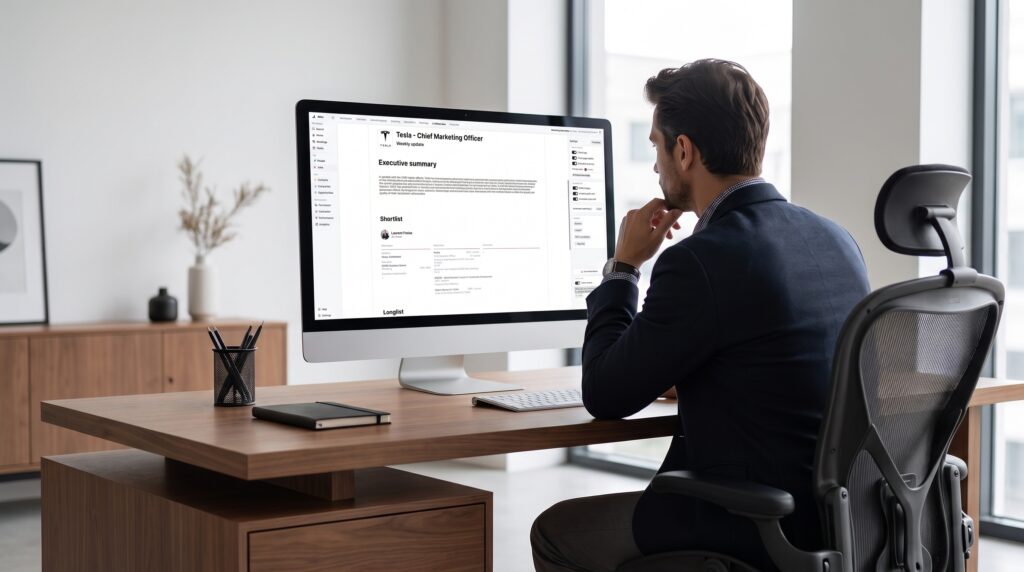
That speed compounds. Globus Search, an executive search firm operating in more than 55 countries, now saves roughly 30 minutes on every candidate report it produces with Atlas. Placements have grown 22% since the firm adopted the platform (Globus Search case study). None of that time comes back if a recruiter has to manually reformat a candidate presentation template for every new client. Atlas’s executive search reports feature applies the same branding logic to longlists and shortlists, and Atlas’s own product data shows a branded executive summary can cut a client’s report review time by 50%.
What’s the payoff from consistent branding beyond the report itself?
Consistent branding pays off because it compounds trust across every client touchpoint, not just the report a hiring manager happens to be reading. A candidate report is one document among many an agency sends, and clients form an impression from the pattern, not a single instance.
The revenue case backs this up directly. Companies that maintain consistent brand presentation across channels can see revenue climb by up to 33%, according to Marq’s State of Brand Consistency report. For a recruitment agency, that consistency spans everything from the recruitment CRM driving your outreach to the dashboards you share with a client. It also covers the reports and portals candidates and clients see every week.
There’s a retention angle too. Agencies competing for a spot on a client’s preferred supplier list are rarely competing on candidate quality alone. When every vendor draws from a similar talent pool, professional, on-brand client facing reports become one of the few differentiators a client can actually see. Recruitment agency branding is a small lever, but it’s one every recruiter controls without needing a bigger budget or a new recruitment tech stack.
Frequently asked questions (FAQs) on branded reports for recruitment agencies
Branded reports customize the documents your clients see, including candidate reports, shortlists, and scheduling links, with your agency’s fonts, logos, and colors. White label recruitment software goes further, rebranding an entire platform to appear as though your agency built it. Most agencies only need the former.
Yes. Some agencies, particularly those running retained or embedded search programs, set up branded reports to match a specific client’s identity rather than their own, since the report is effectively an extension of that client’s hiring process.
No. Branding is applied automatically once your icon, banner, logo, font, and footer are set up. Reports generate with your branding already in place, with no extra formatting step added to your workflow.
No design background is required. Most agencies upload existing brand assets, a logo file, a banner image, and a brand font, and the setup takes a few minutes from start to finish.
Yes. The same branding assets apply across individual candidate reports, group shortlists, and calendar scheduling links, so clients see one consistent identity regardless of which document they’re looking at.
No. Smaller agencies competing against larger, better-resourced firms often benefit the most, since recruitment agency branding is one of the few things they control directly without needing a marketing budget to match.
The reporting habit that quietly builds client trust
Branded reports are a small setup task with an outsized effect on how professional and consistent an agency looks to the clients evaluating it. Once the icon, banner, logo, font, and footer are in place, every candidate report, shortlist, and scheduling link a recruiter sends reflects that same identity without extra work.
Atlas handles this specific job well: upload your brand assets once, and every candidate report, longlist, and shortlist generated afterward carries them automatically, with no manual reformatting needed for each new client.